February 3rd, 2026
Over the past two months, we completely re-engineered the AI Assistant from the ground up.
The result is an assistant that is smarter, significantly more reliable, and capable of handling complex legal tasks that previously caused friction.
Here is what has changed and why it matters for your legal work.
Simpler, More Reliable Architecture
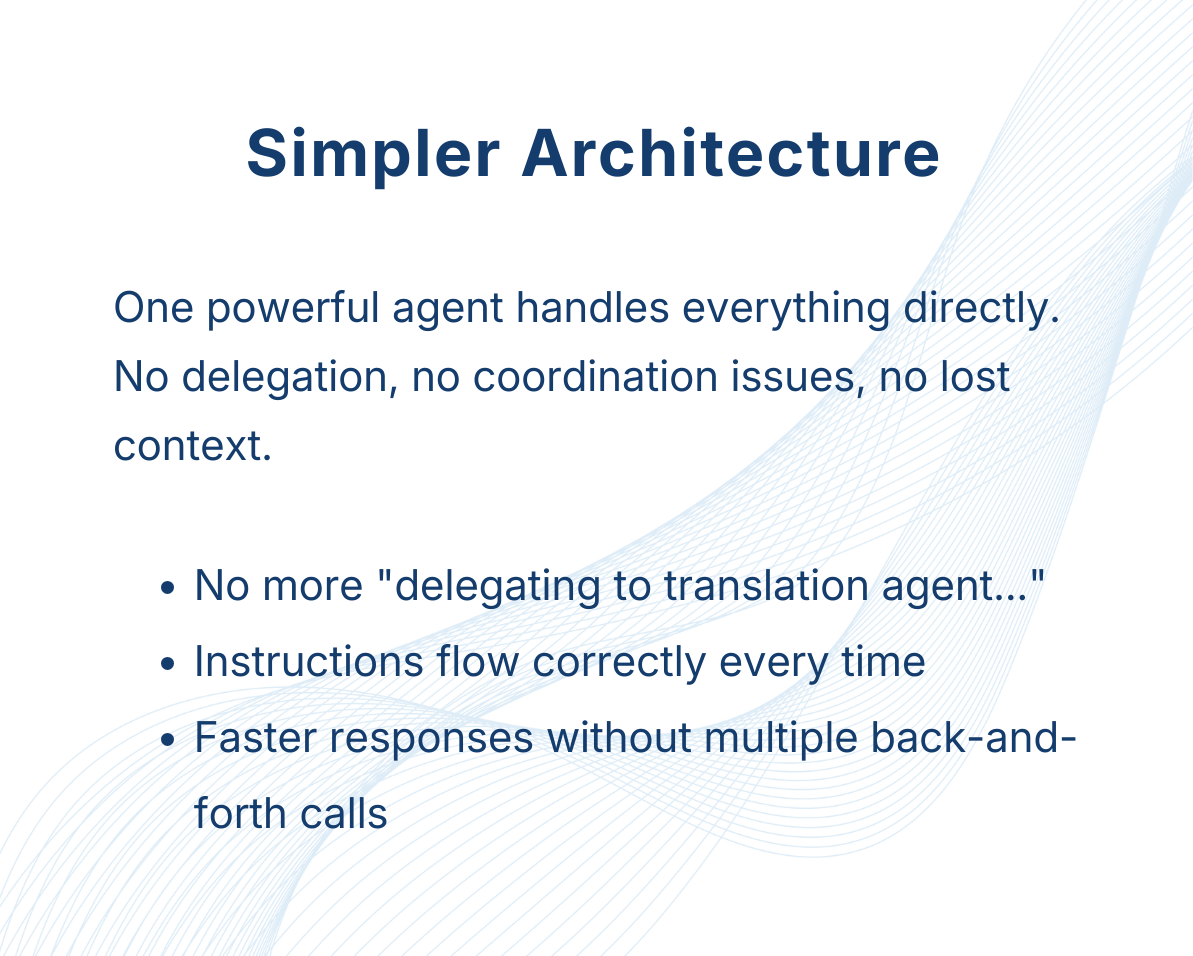
Before: The assistant used multiple specialized AI agents that talked to each other. The main agent would delegate tasks to specialist agents (translator, summarizer, etc.), which created coordination problems:
Users would be told "I've delegated this to the translation agent, please wait..." when nothing was actually happening
Critical instructions would get lost between agents, leading to incorrect answers
Wrong routing: asking for a translation of a long document might accidentally trigger the summariser instead
Extra latency from multiple back-and-forth calls
Now: One powerful agent handles everything directly. No delegation, no coordination issues, no lost context.
Smarter AI Model
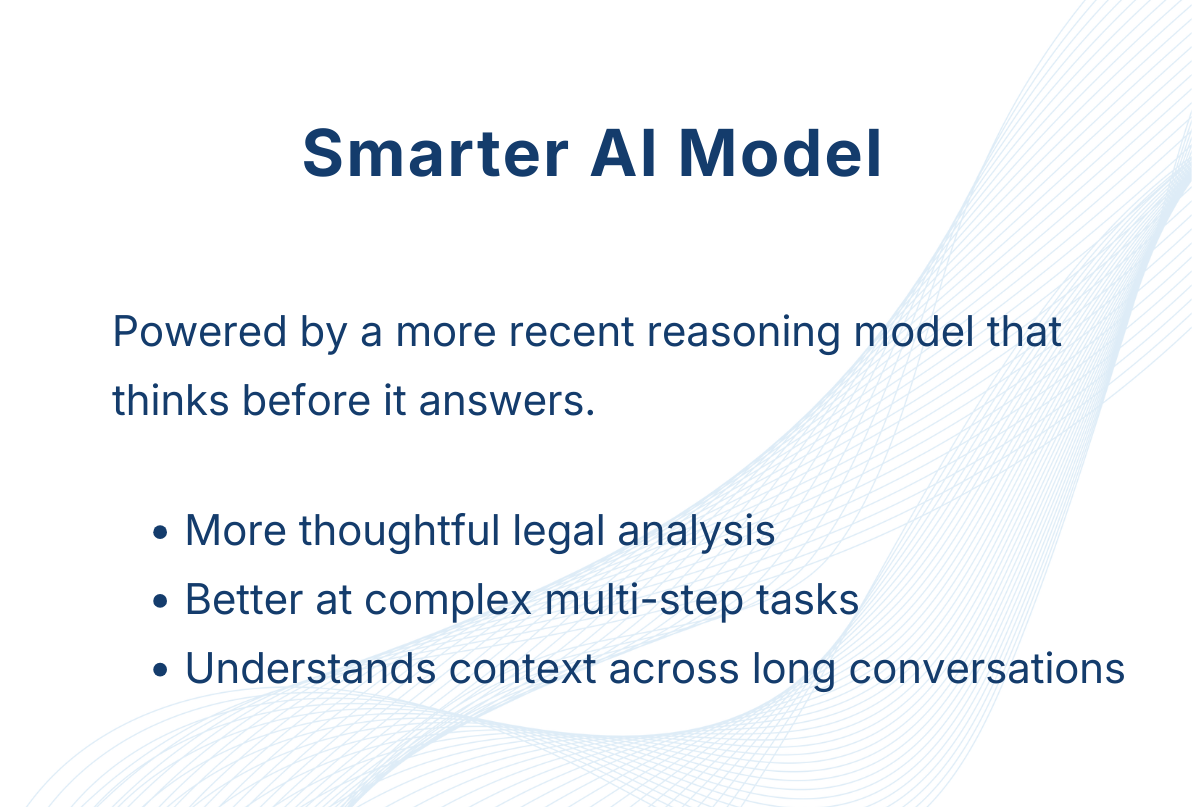
The assistant now thinks before it answers.
The new agent now uses a more recent, reasoning model. What this means:
More thoughtful, nuanced legal analysis
Better at complex multi-step tasks
More up-to-date knowledge
Understands context better across long conversations
Accurate Long Document Translation
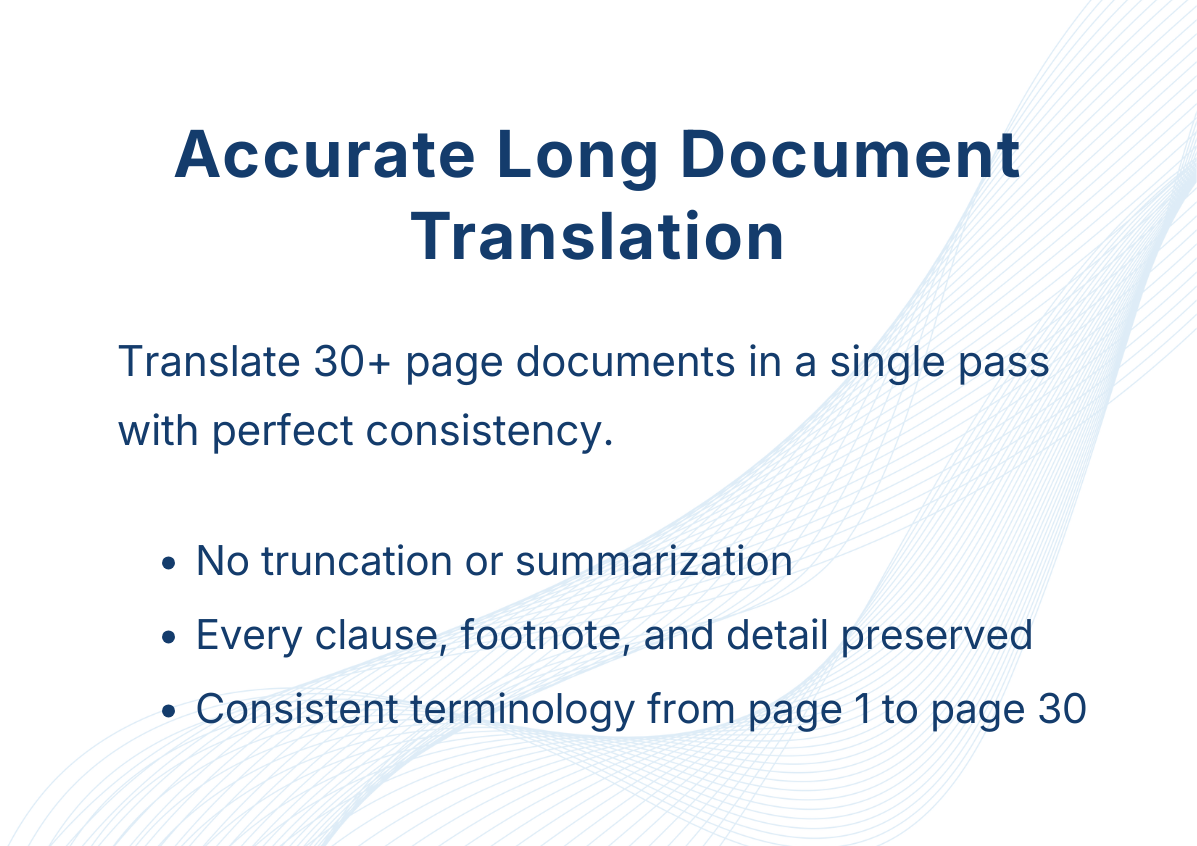
Before: The old assistant would translate the first few pages perfectly, then start summarising or truncating the rest. Users couldn't trust translations of 10+ page contracts.
The new agent:
Can now translate 30+ page documents in a single pass
Maintains consistency from page 1 to page 30 (definitions, terminology, formatting)
No silent omissions or "lazy" outputs
Example: A 30-page employment contract in French translated into German in Whisperit now preserves every clause, every footnote, every detail.
Vision Capabilities
Before: The assistant could only work with images containing easily extractable text (scanned documents, screenshots with text)
Now: It can directly analyse any visual content.
Use Cases:
"Among all images in this case, find the damaged grey SUV and tell me the license plate"
Analysing diagrams, charts, photos of accident scenes
Understanding handwritten notes (even messy ones)
Comparing visual evidence across multiple images
Note: support for .webp images is coming soon
Summarize the Whole Case, Not Just Part of It
In large cases, you need the full picture.
Previously, asking to "summarise this case" would return something that looked comprehensive but was actually based on only a fraction of your files. The assistant could only hold so much information at once, so it would skip around, miss documents, or focus heavily on just the first few files.
Now: The assistant reads every file in your case thoroughly. When you ask for a summary, you get one that actually covers everything—all 50 files, not just the first 5.
Better File Attachment Handling
Before: Previously, files could get "lost" in the flow of a long conversation. The AI sometimes struggled to differentiate between a document you just uploaded and one you sent 20 messages ago.
Now: The assistant now has a precise timeline of your conversation. It understands exactly which file you are referring to based on when you sent it, allowing for a much more natural, human-like workflow. Each file is linked to the exact message where it was uploaded.
Quality Assurance: Built for Reliability
The most important change is the one you don’t see—but you’ll feel it every day.
We rebuilt the assistant’s entire infrastructure with reliability as the top priority.
Previously, improving the assistant often led to a classic whack-a-mole effect: fixing one issue would unexpectedly break something else. A change that improved translations might degrade summaries. A performance optimisation could introduce edge-case failures. Each improvement carried hidden risk.
To eliminate this, we rebuilt the assistant’s entire infrastructure with systematic reliability as a first-class goal.
Automated Quality Control
Before any update is released, Whisperit now automatically runs 70+ real-world legal scenarios, including:
Complex drafting tasks
Long-document translations
Multi-file case analysis
Image analysis
Edge-case user instructions
Each scenario verifies that the assistant still behaves correctly. If a change breaks even one of them, it doesn’t ship.
What this gives you
Far fewer bugs and unexpected behaviors
Faster, safer feature releases
December 18th, 2025
We've implemented a new feature that allows you to explicitly select a single document within a case file to use as the context for your conversation with the assistant or case chat.
Why is this useful
Pinpoint Accuracy
When you choose a specific file, the AI will limit its knowledge to only that document. This drastically increases the specificity and accuracy of the answers, especially in complex cases containing numerous files.
Overcome Information Overload
For cases with many documents, this allows you to work with a single PDF or contract without the AI being distracted by or trying to synthesize information from the entire, large case file.
Better AI Performance
By providing less context, the AI can focus its resources, leading to more reliable and precise information extraction.
How to Use It
When you open the Case chat window, you will now have the option to specify which document to use:
Start a Chat: Open the Case chat panel.
Select File: When typing ‘@’ or clicking on the plus sign and selecting ‘mention’, you will be prompted to select a file. You can choose to process "every file" in the case (the default behavior) or select a specific document from the list.
Ask a Question: Once a specific file is selected, you can ask a question like, "What is the principal information of this contract?" The AI's response will be based only on the content of the selected file.
Note: An upcoming improvement for fuzzy search will make it even easier to find the specific file you need within a long list.
December 9th, 2025
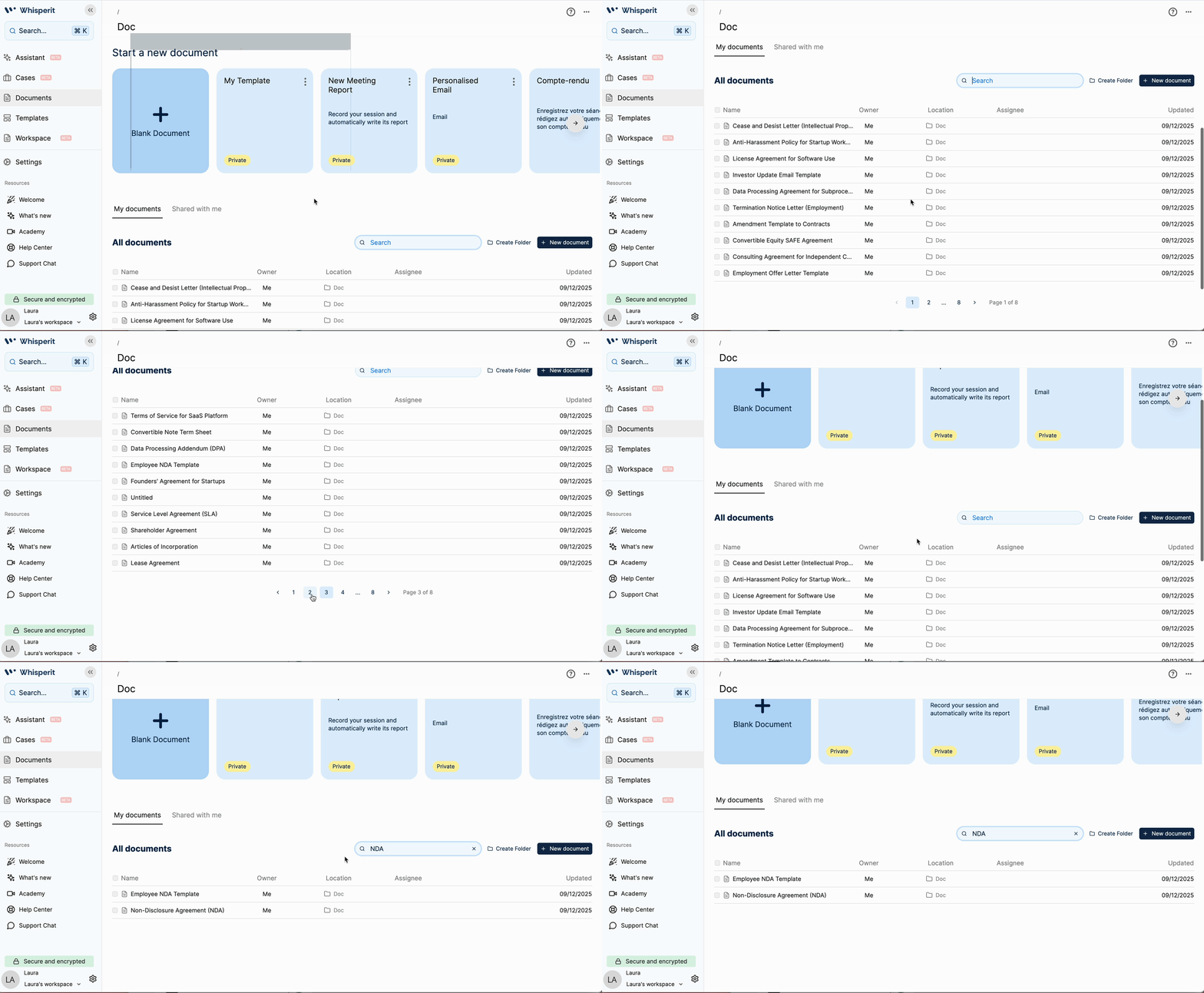
We have replaced the former "view all" button with a standard pagination system, similar to what is used in the assistant interface.
Page Size: Documents are organized to display 10 per page.
Sorting: The documents are sorted from most recent to least recent.
Navigation: You can now navigate through large document lists page by page using small directional icons.
Benefits
Efficiency and Speed: It makes it "easier and faster to navigate large document lists" by preventing the system from trying to load all documents at once.
Clarity: Instead of a single, potentially overwhelming list from a "view all" button, the document organization is now clean, structured, and manageable in smaller, sequential chunks.
Consistency: It implements the "same pagination" used in other parts of the platform (like the assistant), providing a consistent user experience.
December 1st, 2025
New
We now support the direct upload and processing of EML files (email files).
This enhancement is designed to streamline your legal workflow by automatically extracting and processing all contained attachments.
This ensures that every piece of relevant email and attachment data is instantly indexed and available in your case for search and analysis, giving you a complete and accessible evidentiary record.
How-To Guide: EML File Upload and Analysis in a case.
Direct Upload: Use the document upload function within your case (See all Files) and select the EML file from your system.
Automatic Processing: Upon upload, the system automatically processes the EML file. This includes:
Extracting the content of the email itself.
Identifying and processing all attachments (e.g., PDFs, documents) contained within that email file.
Indexing for Analysis: Once processed, all extracted data—the email content and every attachment—is instantly indexed in your cases, included in the timeline, and parties.
Instant Access: The full record (email and attachments) is immediately available:
For search and analysis within your case.
For the AI Assistant to access and discuss through chat interactions.
This means you get a complete and accessible documentation without needing to manually extract and upload each attachment separately.
November 29th, 2025
Improved
Fixed
We've made significant upgrades behind the scenes to make your Whisperit assistant more reliable, focused, and accurate in its work.
Clearer Answers (Enhanced Output Clarity)
What it means: We fixed a problem that sometimes caused the assistant's response to become a jumbled mess of mixed-up words, or "gibberish."
The fix: Now, the system ensures that the assistant's components wait their turn. This guarantees the final answer you see is a single, clear, and complete stream of text.
Better with Big Documents (Improved Performance with Large Documents)
What it means: The assistant is now much better at reading and understanding very large documents.
The fix: We improved the assistant's tools for handling big files, so it can now correctly break down and analyze those documents more effectively. This results in more relevant and trustworthy information, especially when you're working with long legal or research papers.
Stays on Topic (Smarter Focus)
What it means: The assistant will stop accidentally using special features meant for detailed legal case analysis when you are just having a general conversation.
The fix: We taught the assistant to be much better at knowing when to use (and when not to use) its specific "case analysis" skills, ensuring you get focused answers that are relevant to your actual question.
Sees All Your Files (Accurate File Awareness)
What it means: Previously, the assistant might have missed some existing files in your case when trying to answer a question.
The fix: We fixed a bug in the file-checking process to ensure the assistant can correctly see and recognize all available files in your case. This means it will use all the information you have provided to give you the most accurate response.
These improvements mean more consistent, relevant, and trustworthy output from your AI assistant.
November 28th, 2025
Improved
Simplified Template Labels (Personal/Default distinction).
To make document organization clearer, the small "public" badge has been removed from documents in the template/document section.
The new standard for document visibility is:
Private Documents (those with a "Private" badge) are your own personal templates.
No Label indicates a default Whisperit template.
This change is designed to reduce visual clutter and confusion, allowing you to quickly distinguish between your private content and the default templates.
November 28th, 2025
New
The Whisperit AI Assistant now seamlessly preserves and applies complex document styling, guaranteeing perfect alignment and presentation in every draft and ensuring your generated content meets the highest professional standards.
This major enhancement ensures content drafted by the assistant integrates perfectly with your internal templates and professional formatting, allowing you to focus on the legal substance with confidence in the document's presentation.
Key Benefits
Maintained Formatting: The assistant now accurately preserves advanced styling from your existing documents, including crucial elements like text alignment and justification (justified text).
Reliable Content: Any document content created or modified by the assistant will now remain in your file upon refreshing the page, providing a more stable and reliable experience for drafting and reviewing critical legal texts.
Assistant Document Styling
Here is a clear use case how the enhanced document styling works:
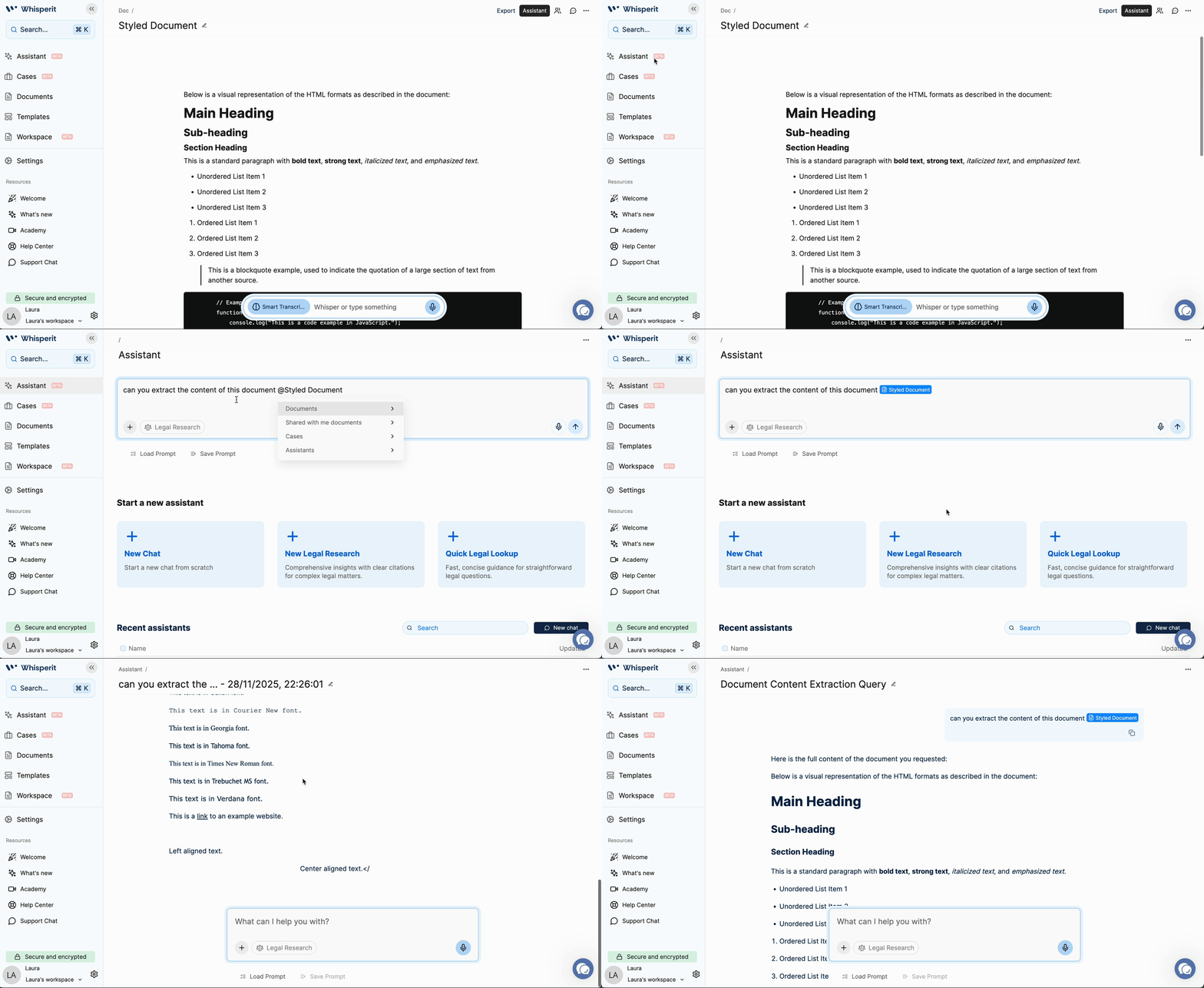
You Ask the Assistant to Write or Edit: Prompt the Whisperit AI Assistant to generate a new document section or modify an existing part of your legal text with formated styles.
Advanced Styling is Applied: The Assistant automatically applies complex formatting that standard text editors often miss. This specifically includes text alignment (e.g., left, right, center) and justification (making text line up evenly on both margins).
Template Formatting is Preserved: If you are building on a pre-existing internal document or template with specific styles, the Assistant will seamlessly adopt and maintain that complex formatting, integrating its new content perfectly with your professional standards.
Content Becomes Permanent: Unlike before, any content created or modified by the Assistant is now reliable and persistent. The styled document content will remain in your file and be fully available even after you refresh the page.
In short, this change ensures your AI-generated legal drafts are accurate, use professional formatting like justified text, and the content stays saved in your document without disappearing.
November 24th, 2025
New

We have significantly upgraded our critical systems for client support, communication, and new user onboarding to enhance your professional efficiency and maximize your value from the application.
New In-App Chat Support:
The traditional "contact support" link has been replaced with a professional, integrated in-app chat feature, now available as “support chat".
This secure system allows our operational team to provide faster, more contextual, and more accurate support for your urgent matters, getting you back to work with minimal delay.
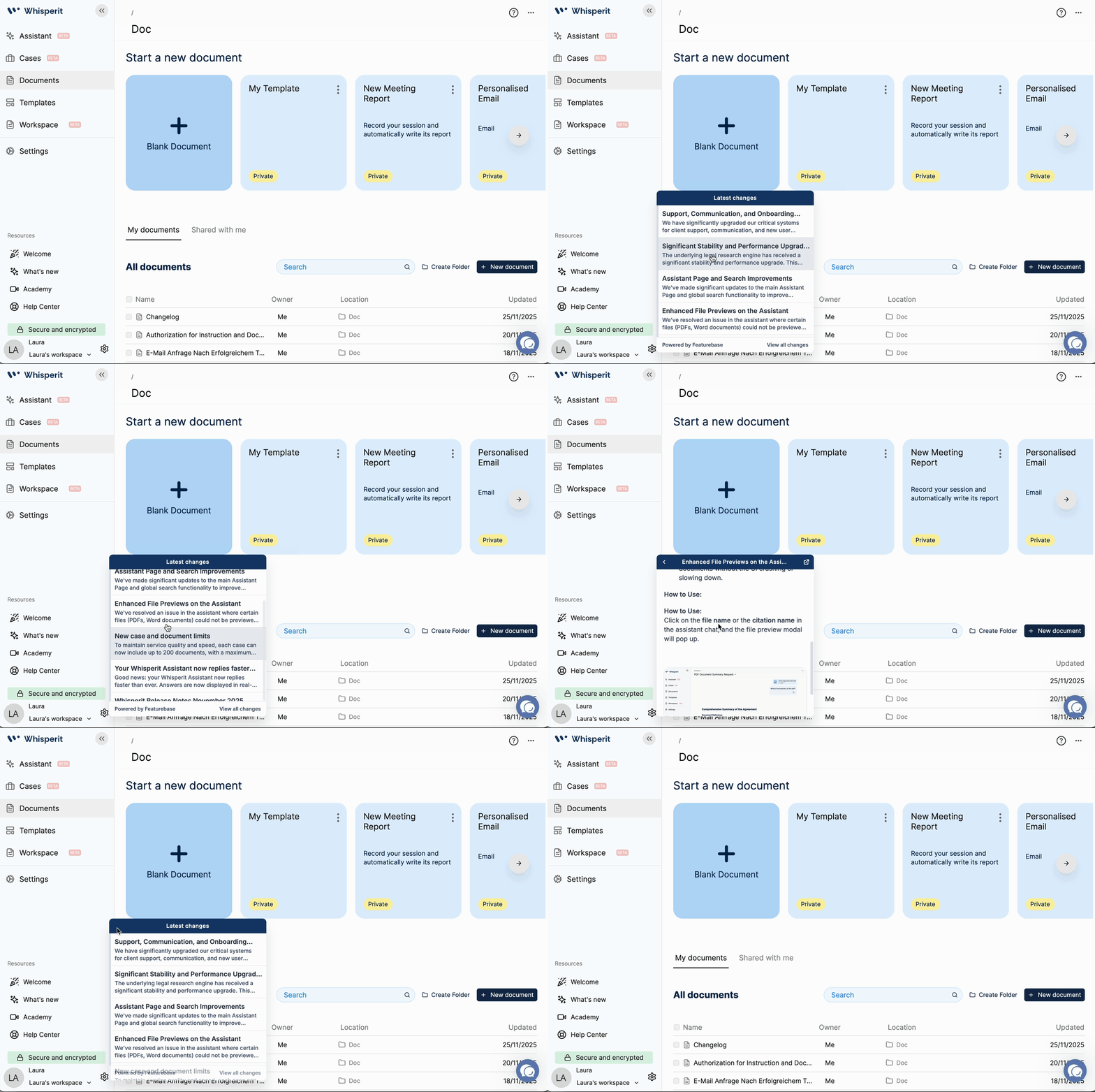
New ‘What's New’ Updates System:
We have introduced a dynamic new system for communicating platform updates.
This system uses automatic pop-up notifications directly within the application, ensuring you are immediately and effortlessly informed of the latest features, critical fixes, and performance improvements without having to search for external emails or posts.
Improved Help Portal:
Our new Help Portal features an advanced search functionality.
You can now quickly and reliably locate relevant support articles, best practices, and detailed documentation, saving you time otherwise spent navigating manuals or looking up common issues.
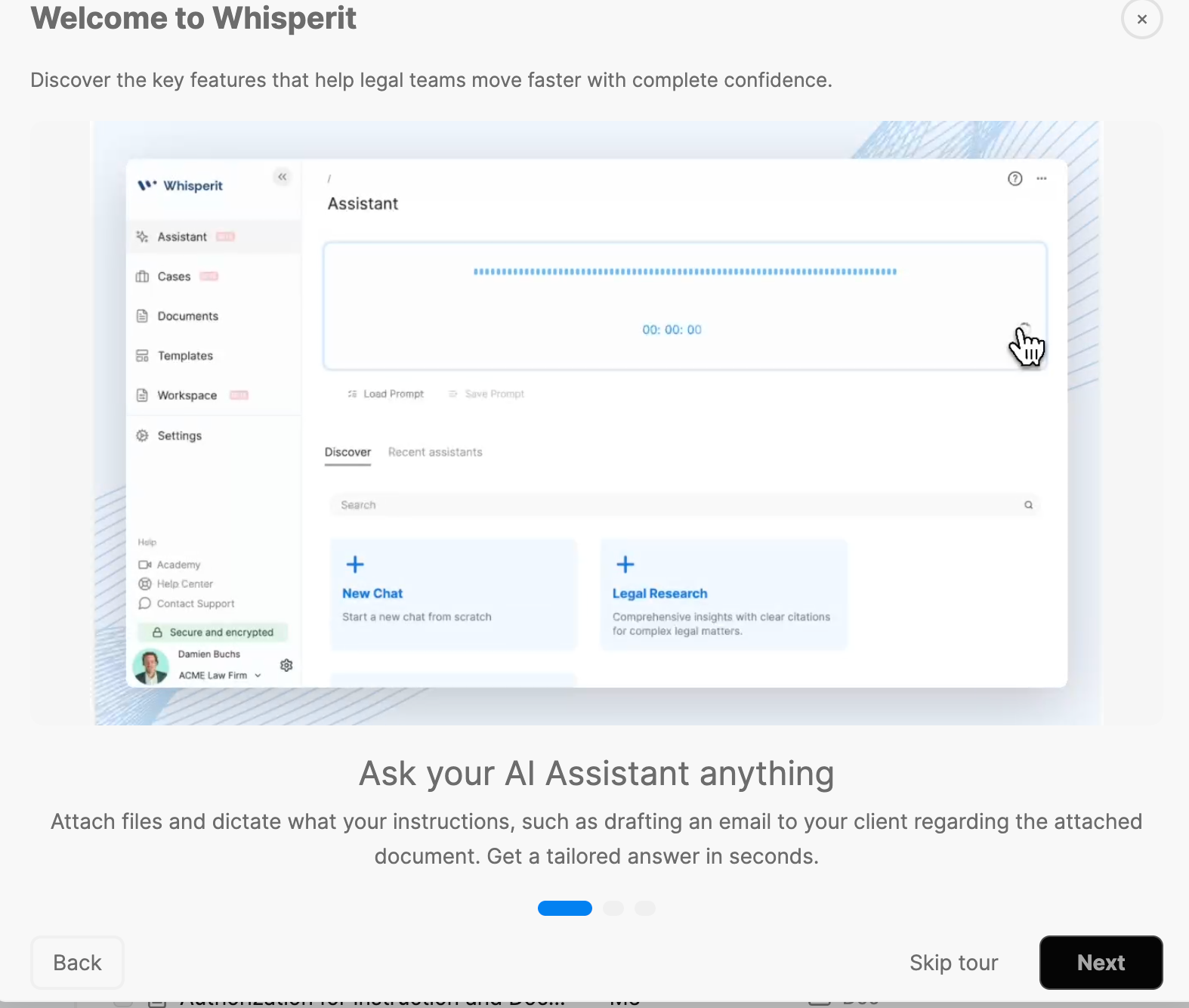
New Welcome Carousel:
A new, structured welcome carousel is now available for all first-time sign-ups.
This three-step onboarding feature utilizes clear videos and subtitles to rapidly introduce the system’s core professional functionalities, including the AI assistant, structured case analysis, and document generation, ensuring rapid user adoption and helping you achieve maximum time-to-value from day one.
November 24th, 2025
Improved
Significant Stability and Performance Upgrade
The underlying legal research engine has received a significant stability and performance upgrade.
This enhancement directly impacts the feature you use to conduct complex legal inquiries within the assistant:
Increased Reliability: We have resolved underlying issues that were causing unexpected failures. The system is now more stable, and the likelihood of the tool failing to return results has been substantially reduced.
Faster Turnaround: The research mechanism is now significantly more performant, translating to a faster and more efficient delivery of your legal research results.
This improvement ensures a more dependable and efficient legal research experience that saves you valuable time.
November 24th, 2025
Improved
We've made significant updates to the main Assistant Page and global search functionality to improve navigation, clarity, and overall user experience:
Assistant Page Revamp
The previous tab-based layout for "Start a new assistant" and "Recent assistant" was causing user confusion. Our changes ensure you can find and manage your assistants more easily:
Simplified Layout: The "Start a new assistant" and "Recent assistant" sections are now displayed one below the other on a single page, eliminating confusing tabs.
Improved Pagination: The list of recent assistants now uses full, dynamic pagination, making it easier to view your entire list of assistants without searching for a hidden "View All" button.
Smarter Search
Enhanced Global Search: The search functionality within the assistant's history now covers all paginated content. You can confidently search your entire history, no longer limited to just the visible assistant titles on the current page.